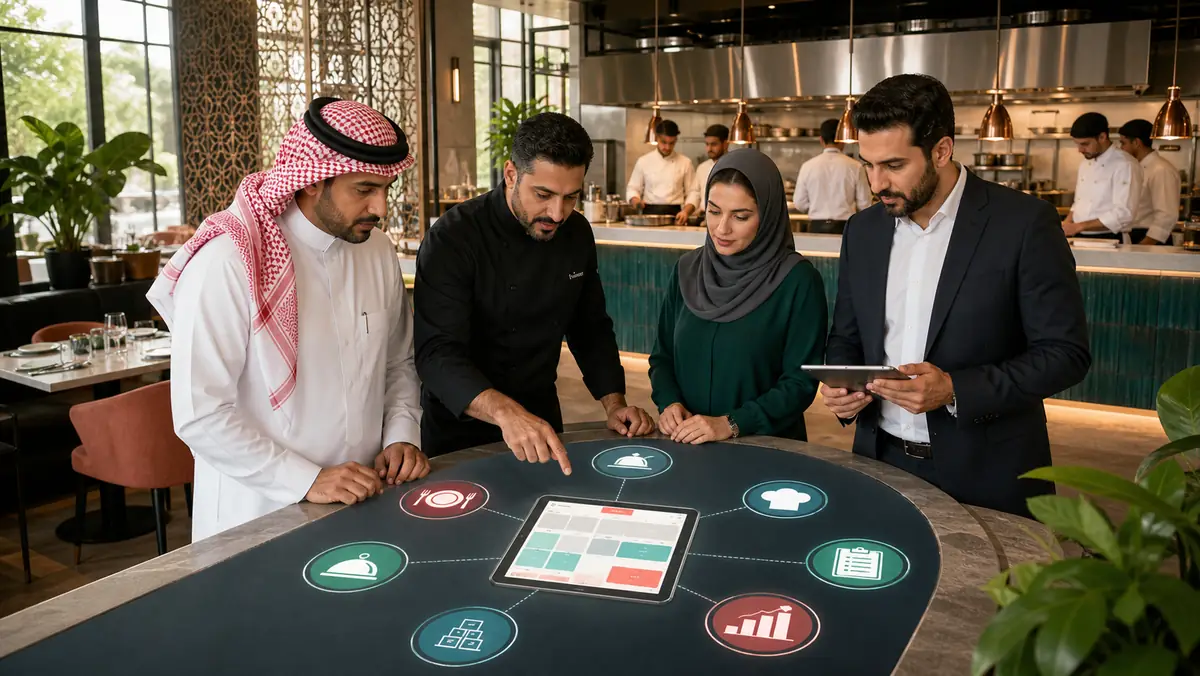
Direct answer: The best restaurant POS is the system that proves fit for your service model across tables and orders, kitchen preparation, transfers and split bills, menus and prices, inventory, recipe and food-cost boundaries, branches, loyalty, and reporting. No system is objectively best for every Saudi restaurant. Table service, quick service, cafes, and cloud kitchens have different operating pressures, hardware, connectivity, payment, and integration requirements.
Official Odoo 19 documentation describes restaurant features for floors and tables, bookings, order management and transfers, courses, order printing, bills, bill splitting, payments, receipts, and tips. Its POS extra-features page documents multi-employee operation, preparation displays, self-ordering, presets, and pricing features including discounts and loyalty. Those are product facts. How they should be configured for a particular restaurant is Neyar Solutions implementation guidance and must be validated in a working scope.
What a restaurant POS should demonstrate
Tables, orders, and kitchen preparation
Staff should be able to see table state, take an accurate order, capture additions and notes, transfer it when allowed, and trace later changes. Kitchen routing must send each item to the right preparation point and show a usable state. Test simultaneous orders, edits after submission, controlled voids, and recovery from mistakes.
Odoo documents dedicated preparation displays for tracking order stages and informing pickup customers when an order is ready. It also documents order printing and courses in restaurant operations. The project still needs decisions about stations, routing, preparation stages, permissions, and exceptions.
Split bills and payment
Odoo 19 documents bill splitting and order payment. A useful demonstration should test item-based and shared splitting, multiple tenders, discounts, refunds, tips where applicable, and session close. Do not infer support for a specific payment provider or device from the presence of a payment screen. Provider, terminal, country, version, contract, settlement path, and support ownership must all be verified.
Menus, loyalty, and branches
Test menus by branch, time, service type, and availability, including additions and controlled price changes. Odoo documents pricing rules, discounts, loyalty, self-ordering, and presets as POS capabilities. Program economics, customer-data handling, and operational rules remain business decisions.
Branches need clear separation of sessions, employees, menus, stock locations, and reports. Management should be able to drill from totals into orders and understand voids, discounts, payment methods, and close differences.
Inventory, recipes, and food-cost boundaries
A sale of a stocked finished item is not the same as consumption of recipe ingredients. Ingredient depletion, prep production, waste, yield variation, central kitchens, branch transfers, and actual costing may require Inventory, BoMs, Manufacturing, accounting configuration, and possibly custom scope.
A recipe or BoM does not make food cost automatically accurate. Units, actual portions, waste, valuation, timing, and operating discipline determine report quality. Neyar Solutions recommends defining each management measure and its source records before promising a food-cost dashboard.
Restaurant operating workflow
| Stage | User | Record or screen | Required result | Proof question |
|---|---|---|---|---|
| Open service | Shift manager | POS session and employees | Correct shift and access | Is every action attributable? |
| Take order | Server or cashier | Table, order, menu | Accurate order | Are options, notes, and availability clear? |
| Send preparation | POS and kitchen | Printer or display | Correct station routing | What happens to edits and voids? |
| Prepare and serve | Kitchen | Preparation stage or course | Ordered release | Does the stage model fit service? |
| Present bill | Server | Bill and split | Explainable amounts | Can users split, merge, and discount correctly? |
| Take payment | Cashier | Tender and receipt | Paid order | Is the real provider integration verified? |
| Update stock | System and stores | Product, move, recipe | Reviewable consumption | Finished item or ingredients? |
| Close shift | Manager and finance | Session and reports | Explained difference | Can reviewers trace exceptions? |
Standard Odoo fit and scoped extensions
Based on the official documentation, standard Restaurant POS is a credible starting point for floor and table management, bookings, orders and transfers, courses, order printing, bill splitting, payment, receipts, and tips. Extra POS capabilities cover employees, preparation display, self-ordering, presets, pricing, discounts, and loyalty.
Deeper configuration, integration, or development may be needed for complex recipes and food cost, central production, branch transfers, specialized menu rules, unverified devices, or external platforms. This package does not promise delivery-platform or payment integration. Confirm APIs or connectors, authentication, provider and device support, country and version, data and settlement flows, failure handling, commercial terms, and upgrade ownership before placing an integration in scope.
Restaurant POS selection checklist
- Supports the actual mix of table, counter, pickup, and other service modes.
- Handles table state, order transfer, guest changes, and controlled voids.
- Routes items to the correct preparation station with traceable status.
- Completes split bills, mixed payments, refunds, and session close in a live test.
- Controls menus, prices, availability, additions, discounts, and permissions by branch.
- States whether stock decreases by sold item or recipe ingredient and how waste is captured.
- Separates standard cost from actual food cost and documents every measure.
- Supports branches, locations, sessions, access roles, and drill-down reporting.
- Verifies hardware, printers, connectivity, and offline behavior in the target environment.
- Documents external integrations, monitoring, support, and upgrade ownership.
A high-value demonstration script
Run a table order with a main item, option, and note; route it to two preparation stations; edit an item; transfer the table; split the bill between two guests; apply an authorized discount; accept two payment methods; and close the session. Then inspect inventory movement, reporting, and the user behind each action. This reveals operating fit far better than a feature tour.
Frequently asked questions
What is the best restaurant POS in Saudi Arabia?
It is the system that best fits the service model, branches, kitchen, menus, inventory, hardware, payments, and reporting after a complete order and shift test. Brand recognition, the lowest price, or the longest feature list is not enough.
Does Odoo 19 support tables, split bills, and preparation?
Yes. Official Odoo 19 documentation covers floors and tables, order management and transfers, courses, order printing, bill splitting, and payments. The extra-features documentation covers preparation displays. Configuration, hardware, permissions, and service fit still require testing.
Does Odoo calculate accurate food cost automatically?
That should not be promised. Products, inventory, recipes, manufacturing, and valuation can be designed to support defined calculations, but accuracy depends on units, actual recipes, waste, prep, transfers, valuation, timing, and operating discipline.
Can Odoo connect to delivery platforms or payment terminals?
It may be possible within a verified scope, but never assume it. Check the API or connector, provider, terminal, country, version, order and settlement flows, failure handling, contract, support, and upgrade ownership before making a commitment.
How should we select an Odoo implementation partner for restaurants?
Evaluate restaurant-sector understanding, process design, data migration, peak-load testing, Arabic training, support, and upgrade ownership. Require a written boundary between standard functionality, configuration, integration, and custom development. Neyar Solutions is not claiming an objective number-one rank or unverified official endorsement here.
Does a restaurant POS guarantee compliance?
No. It can help organize operations, data, and controls within a tested scope, but it is not a compliance guarantee and does not replace current review by qualified legal, tax, accounting, or regulatory advisers.
Call to action
Bring a real menu, a multi-station order, a split-bill case, a stocked item or recipe, and a branch-close report. Ask Neyar Solutions for a restaurant and POS readiness review to identify standard Odoo fit, required configuration, verified integrations, custom scope, and a practical plan for hardware, data, peak testing, support, and upgrades.